
On-Premises AI
Artificial Intelligence
Models running on the Lab's computers: try them out, take them apart, and decide for yourself what to do with them.
An artificial intelligence model is a file that runs on a machine, and its size explains almost everything: what it takes to make it work, how much it costs, and where your data ends up.
The Lab has computers that are available to members: you can see what happens when a model runs, and what happens when there isn't enough memory.
Cloud or on-premises
Neither approach is always the best; it depends on what you need to do.
Online Services
Data
They pass through the provider's servers, which are subject to the provider's terms of use.
Costs
Subscription or pay-as-you-go, with prices set by others.
Models
The ones the supplier offers, as long as they're available.
The Limit
Rates, content restrictions, and a service that is subject to change.
It is suitable for
Larger models and occasional use.
On-site, in the Lab
Data
They remain on the computer you're using.
Costs
No cost per use: the cost is the machine, which is already available in the lab.
Models
Open source, chosen by you, without any updates changing how they work.
The Limit
The machine's memory determines which models you can run.
It is suitable for
Confidential documents, experimentation, repetitive work.
What can you do about it?
Five things you can try on the workstations without uploading anything to an online service.
Text
Reading a Confidential Document
A contract, a bill, a medical report: Ask a model to summarize it or explain it to you in simple terms, without the file ever leaving your computer.
Images and Videos
Images and Videos, Step by Step
With ComfyUI, you can build a workflow for a poster image or a short video, and change one step at a time to see how the result changes.
Numbers
Your expenses, in order
Download your bank statement, and the tool will assign a category to each entry and generate a dashboard that stays in your browser.
Code
A script for a repetitive task
Describe in words what needs to be done—for example, renaming 100 files or cleaning up a spreadsheet. The model writes the script, and you can test it right away on the same computer.
Model Comparison
The same task, using different models
Give the same task to a small model and a large one, and compare their responses: see where size matters and where a lightweight model is sufficient.
A project of yours
The workstations are available for members to use freely: if you have an idea, bring it to the Lab and give it a try.
The workstations
The Lab's AI workstations are available for members to use freely during opening hours and already have the necessary software installed: just sit down, open the program, and get to work. Among the programs available is ComfyUI, for images and videos.
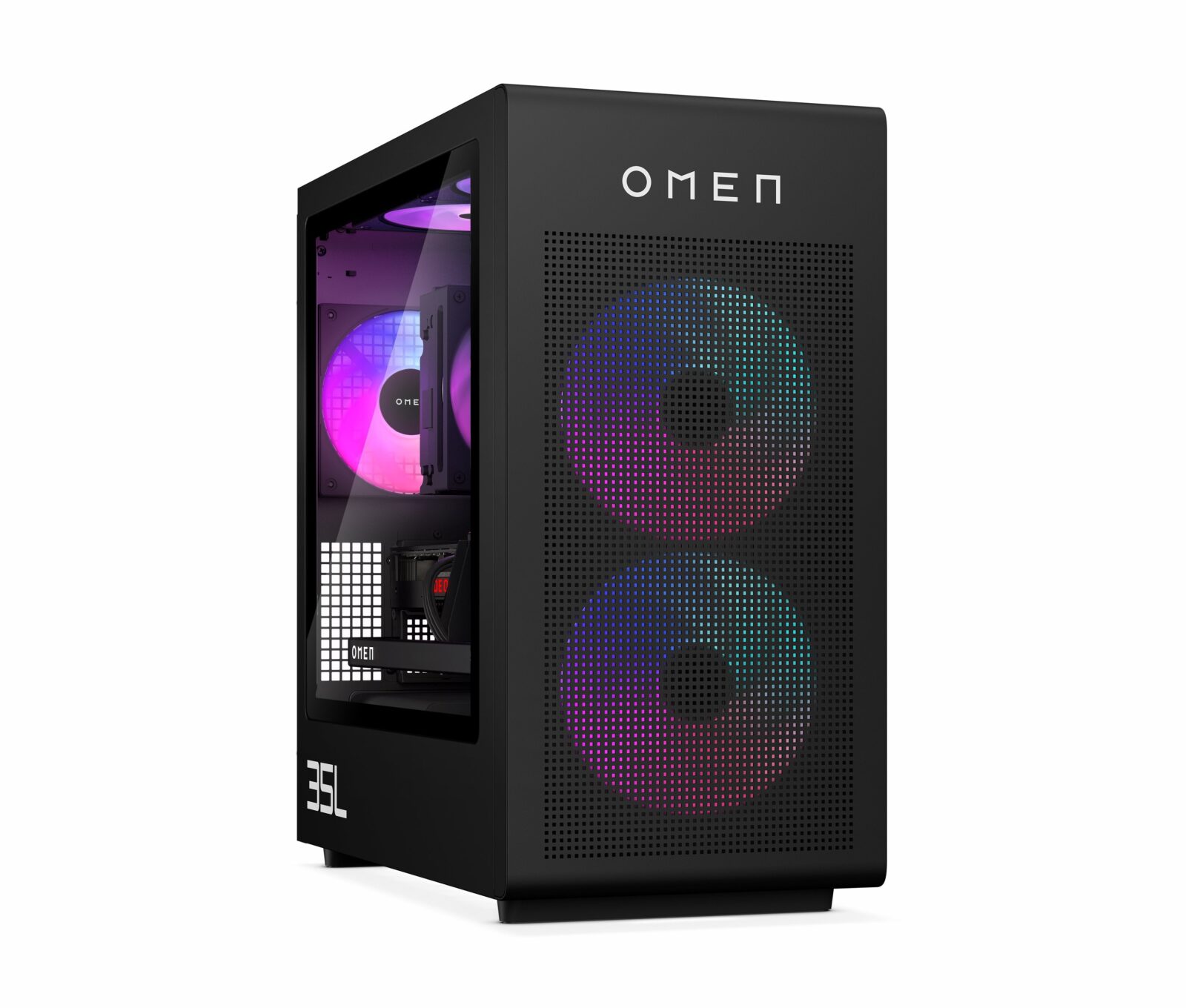
HP Omen 35L
NVIDIA RTX 5070 Graphics Card
High-performance computers with a dedicated graphics card. They run image and video models using ComfyUI, as well as language models stored in the card's memory.
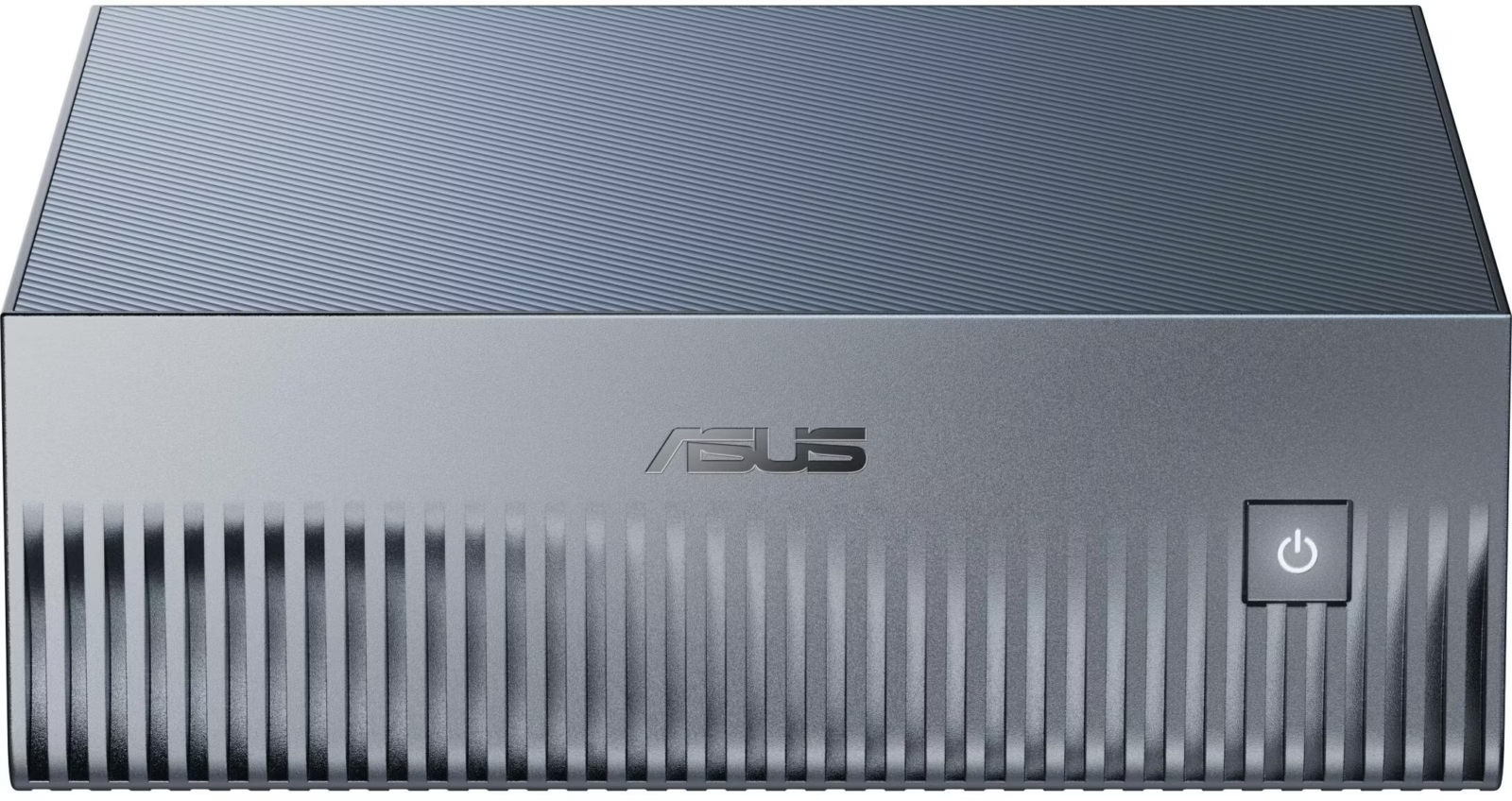
ASUS Ascent GX10
128 GB of storage
A small computer with shared memory between the CPU and GPU. It runs language models much larger than those that fit on a standard graphics card: the place to see up close what changes when a model is large.
How to Get Started
1
Become a Member
The membership fee is €60 and includes 25 Asperastra credits. Once you've paid, you can use the Lab during its opening hours.
2
Take a seat at a workstation
The AI computers are free to use and already have models installed. Come and try them out.
3
Take a class if you want some guidance
The HelloWorld courses and AI workshops start with the basics and progress to complex workflows. Members can earn credits by taking them.
Workshops and Activities
Throughout the year, we organize meetings, workshops, and courses focused on artificial intelligence. The activities range from hands-on introductions to generative models to more advanced workshops focused on building complex workflows and experimenting with open-source tools.
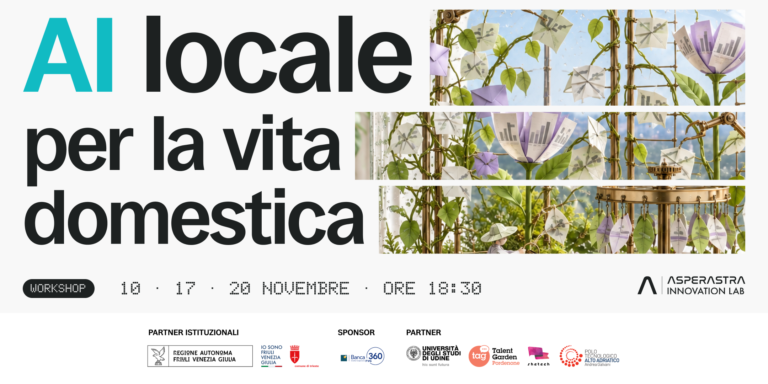
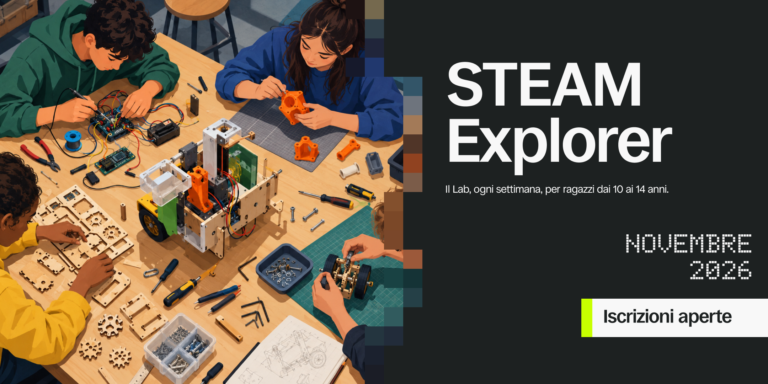
New dates are announced first in the newsletter.
Sign up for the newsletterWould you like to try out these machines?
Become a member: The workstations are available for free use during business hours.
Sign up for Asperastra